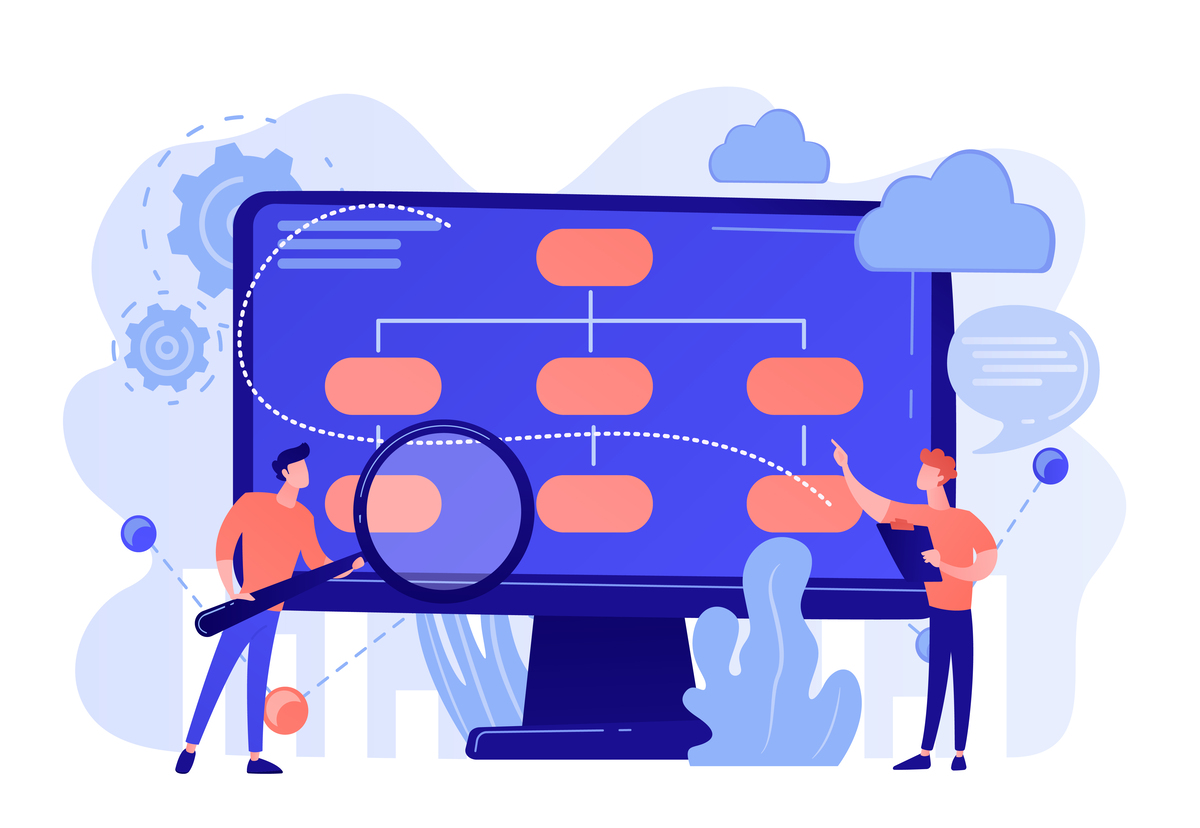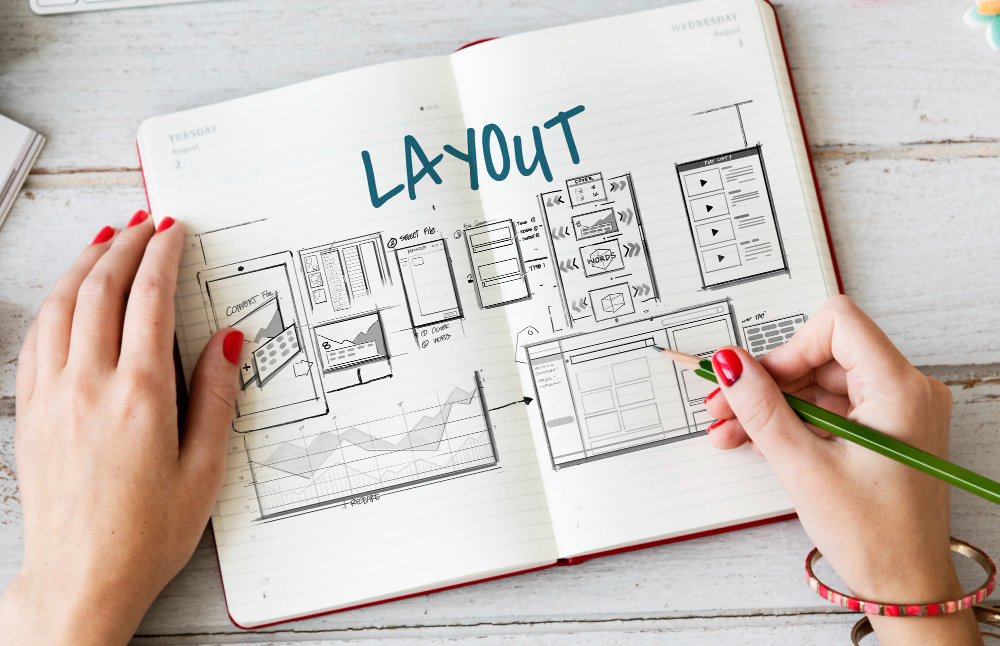
Menu structure shapes how users navigate a website and how Google understands its content.
A well-organized menu helps visitors quickly find the important information and tells search engines which pages carry the most value. A menu built without a strategy, on the other hand, can make the experience harder and limit the SEO performance of the entire site.
Many problems come from poorly organized information. Important pages end up buried too deep in the site, categories are grouped without any logic and users have to take too many steps to find what they are looking for. In these situations, people spend more time trying to find their way around and less time engaging with the company’s services or products.
In our experience, site structure should be thought through right from the planning stage. The menu is not just a design element; it is one of the most important parts of the user experience.
Built correctly, it helps both users and search engines quickly understand how the website is organized. The result is more intuitive navigation, more efficient indexing and a better chance that visitors end up exactly where they want to be.
A website’s success often starts with a well-thought-out structure and a menu that gives direction from the very first seconds.
What happens when important pages are too far from the homepage?
One of the most common mistakes is placing important pages too many clicks away from the homepage. This is known as click depth: the number of steps needed to reach a given page.
The closer a page is to the homepage, the easier it is to access. Google may also give it more weight because it is part of the website’s core.
In most projects, key pages should be reachable in two or three clicks. This includes the main services, category pages, important commercial information and content that supports conversions.
Problems arise when the structure is built from the company’s perspective rather than the user’s. Visitors aren’t looking for internal names or how departments are organized. They are looking for answers, services and solutions.
An effective menu should quickly answer a few questions:
- What services does the company offer?
- Where can I find the important information?
- How can I request a quote?
- What are the site’s main categories?
- What should I look at first?
When this information is easy to find, browsing becomes more pleasant and users reach their goal faster.
As part of an SEO audit, we always analyze the navigation structure and the distance between the homepage and the important pages. In many cases, small menu adjustments can have a significant impact on a website’s visibility and performance.
Information architecture and the role of hierarchy in the menu
A good menu is more than a list of links. It should convey a logical order and help users quickly understand how the website is organized.
A common mistake is mixing main categories with subcategories, or showing too many options at the same level. In these cases, users see a lot of information but find it harder to spot what interests them.
An effective structure starts with general categories and moves on to more specific subcategories. This model is easy to understand and mirrors the natural way people look for information.
Content hierarchy should also exist within internal pages. H1, H2 and H3 headings organize information and highlight how topics relate to each other. When page structure and menu structure point in the same direction, users find their way more easily and Google better understands the site’s architecture.
Menu labels should be simple and direct. Visitors appreciate wording that says exactly what they will find after clicking. A category called SEO Services says more than a generic label that could be read several ways.
In our web design services projects, we pay close attention to this stage, because information structure affects both user experience and SEO performance. A modern design is valuable when it is backed by a logical, easy-to-follow organization.
When the menu is built around users’ needs, every section finds its natural place and contributes to a better browsing experience.
A mega menu should organize, not overwhelm
A mega menu is a very good solution for websites with many categories, services or products. Used correctly, it can simplify navigation and reduce the number of clicks needed to reach important information.
Still, its effectiveness depends on how it is organized. A well-built mega menu focuses on structure and prioritization.
Visitors should be able to spot the main sections quickly. Grouping links logically helps them find relevant information faster and understand how the website is organized.
For good results, a mega menu should follow a few principles:
- group information into relevant categories;
- highlight important services or pages;
- use labels that are easy to understand;
- offer a good experience on mobile devices;
- keep an uncluttered structure that is easy to scan.
Another important aspect is updating the menu regularly. As new services, extra categories or changes in business strategy come along, the structure needs to adapt.
This is one of the reasons we recommend ongoing monitoring through website maintenance services. A high-performing website evolves with the business and keeps meeting users’ needs.
An effective menu helps people quickly find what they are looking for and gives search engines an accurate picture of the website’s structure. A well-organized architecture, low click depth and a smartly built mega menu all contribute to a better user experience and better SEO results.
If you feel your site’s current structure isn’t making the most of your company’s content and services, the Happy Advertising team can help you identify what can be optimized and build a more effective browsing experience for visitors and for Google.

Specialists în SEO, GEO, performance marketing și web development, cu 17 years de experiență în proiecte din România și din alte 23 de piețe.